As an Amazon Associate, we earn from qualifying purchases. Some links on this site are affiliate links at no extra cost to you. Our recommendations are based on thorough research and editorial judgment.

How to Schedule LED Lighting Automatically

To schedule LED lighting automatically, users should download and open the Aidot App. Select the desired smart lights and access the Schedule feature. Set specific on and off times, adjusting color and brightness as needed for various scenarios. For instance, program bedroom lights to gradually brighten at 7 AM. Save these settings to activate the schedule, allowing up to 10 fixtures to sync together. This process enables efficient energy use and enhances home security, allowing further exploration of automation benefits.
Key Takeaways
- Use the Aidot App to select your smart lights and access the Schedule feature for automated control.
- Assign specific on and off times to your lights based on your daily routines and preferences.
- Customize schedules by adjusting brightness, color, and days for tailored lighting experiences.
- Save your settings to activate the lighting schedule, enabling effortless management of your fixtures.
- Integrate voice assistants for hands-free control and further automation of your LED lighting schedules.
Why Smart Lighting Schedules Matter
You may be interested



In today’s energy-conscious world, understanding why smart lighting schedules matter can greatly enhance both efficiency and safety. Smart lighting systems can automatically turn lights on and off based on your specific routines, reducing energy waste and lowering electricity bills over time. For instance, programmed schedules can coolly provide light during hours of need, ensuring well-lit entryways that enhance home security. Furthermore, these lighting schedules establish consistent patterns, which promote comfort by aiding daily activities like waking up or winding down. Additionally, automated lighting can simulate occupancy when users are away, deterring potential intruders. Invest in smart lighting schedules to enjoy effortless control and maximize both energy efficiency and home safety without ongoing manual adjustments or stress. With modern LED technology lifespan, extending up to 50,000 hours of use, scheduled smart lighting provides a long-term solution for sustainable home illumination.
Everyday Scenarios Where Scheduling Just Works
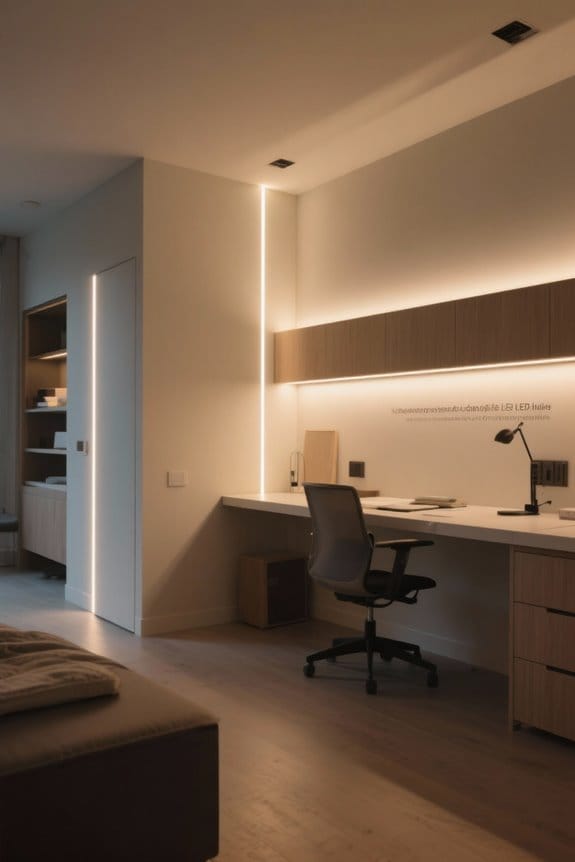
Smart lighting scheduling simplifies daily life by creating ideal environments for various routines. For instance, scheduling bedroom lights to gradually brighten at 7 AM enhances the wake-up experience. In addition, outdoor porch lights set to activate at sunset guarantee a safe entryway. For children, dimming their bedroom lights to 9 PM reinforces bedtime routines and promotes better sleep. Create a cozy atmosphere by dimming lights to 20% at 8 PM for family movie night. Moreover, automate living room lights to radiate warm tones at 6:30 PM, welcoming family members home after work. Setting up music sync capabilities can create dynamic lighting that responds to your evening playlist, adding an extra layer of ambiance to your space. These practical examples demonstrate how lighting schedules in a smart home effectively enhance comfort, safety, and well-being, making everyday routines simpler and more enjoyable.
How to Set a Lighting Schedule in the Aidot App
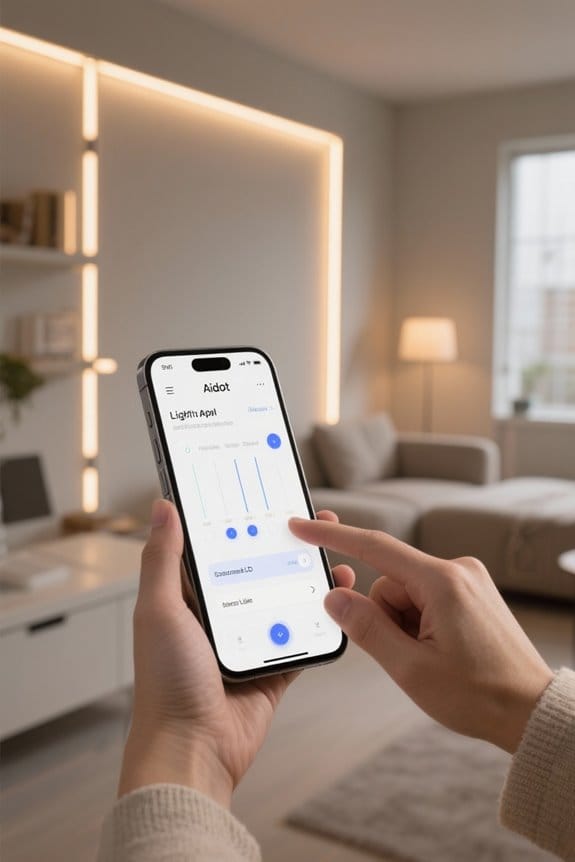
How can one effectively set a lighting schedule in the Aidot App? To begin, open the app and select the desired smart lights. Next, access the Schedule feature to assign specific on and off times tailored to daily needs. Users can customize the schedule by adjusting color and brightness and by selecting specific days for repetition. This flexibility allows individuals to align their lighting with personal routines. After configuring all preferences, saving the settings is essential to activate the lighting schedule. This feature enables a “set once, forget” approach, providing automation that integrates seamlessly into everyday life while optimizing energy consumption and convenience. Similar to the GE Cync Reveal system, users can link up to 10 fixtures for synchronized scheduling effects.
Combine Time + Scenes for Full Automation
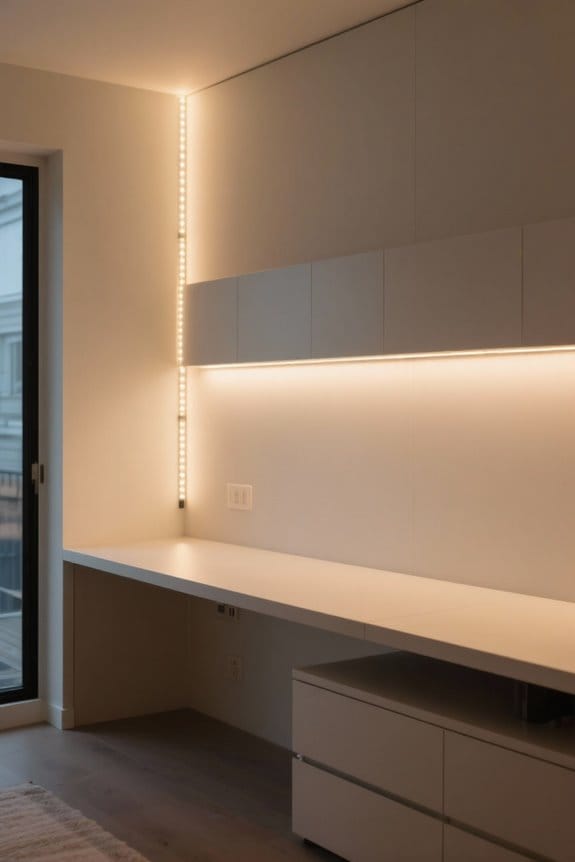
Setting up a thorough lighting schedule means integrating time-based triggers with tailored scenes for ideal ambiance throughout the day. Utilize the Aidot Smart Color Bulb to program various scenes that enhance your living environment. For instance, set a “Back from Work Scene” at 6:30 PM to turn on warm lighting in the living room, creating a cozy atmosphere. At 7 PM, enable the “Sunset Glow” for outdoor path lights, illuminating them in warm amber tones for safety. Finally, establish a “Sleep Mode” at 10 PM to dim bedroom lights to a calming blue hue. By combining these time and lighting scenes, users can automate their environment, transforming it dynamically to align with daily routines. Consider implementing motion sensor options to further enhance energy efficiency while maintaining optimal illumination throughout your space.
Benefits of Automated Lighting
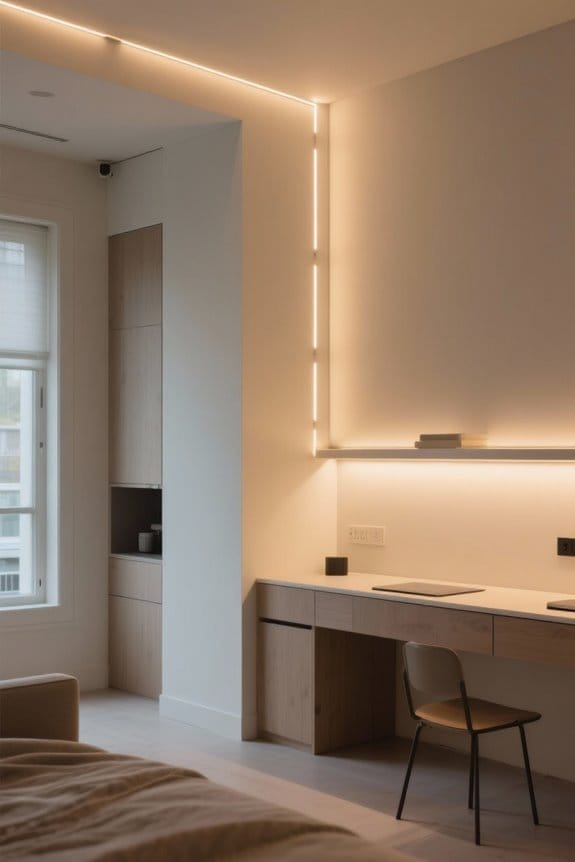
Automated lighting offers numerous benefits that can greatly enhance everyday living. It improves convenience by minimizing the need for manual adjustments, allowing preset schedules for LED strips. This not only optimizes energy consumption but also leads to substantial savings on electricity bills. By gradually dimming lights before bedtime, customized schedules promote a restful sleeping environment, improving overall sleep quality. Automated lighting enhances security; when programmed effectively, it simulates occupancy, deterring potential intruders. Furthermore, the ability to establish mood-specific lighting throughout the day elevates ambiance, tailoring experiences for various activities. Embrace the advancements in automated lighting technology to create a more efficient, safe, and pleasant home environment while enjoying the flexibility that LED strips provide. Modern smart home integration enables voice control and remote adjustments through mobile apps, making lighting management more convenient than ever.
Voice Assistant Integration With LED Lighting
Voice assistant integration with LED lighting represents a significant advancement in home automation, enhancing user convenience and efficiency. Users can control their LED lights hands-free using voice commands, making it easy to automate LED lighting in everyday life. With devices like Amazon Alexa or Google Assistant, routines can be programmed to activate multiple lights simultaneously based on user preferences. However, compatibility issues may arise with certain DIY setups; always verify device specifications before integration. While voice commands simplify interactions, dedicated smartphone apps often offer more extensive programming options and precise control. Users should consider the balance between voice assistance and app functionality to optimize their experience, ensuring that they can fully customize their automated lighting based on their individual needs. The Govee RGBIC technology allows for segmented lighting effects that can be uniquely controlled through voice commands for enhanced customization options.
Tips for Optimizing Your LED Lighting Experience
When optimizing an LED lighting experience, understanding and utilizing advanced scheduling capabilities is essential. Begin by programming timers in your LED lighting app to streamline your daily routines, ensuring strip lights activate and deactivate at designated intervals. Leverage automation features to manage multiple lights collectively, maximizing convenience and energy efficiency. Experiment with customized lighting scenes; for example, set soft white light in the morning and warm amber hues for evenings. Incorporate music sync functionality to allow your LED lights to dance in time with your favorite playlists, enhancing any gathering. Finally, explore remote scheduling options to adjust light settings on the go, ensuring ideal energy use and adaptability that complements your lifestyle. Consider installing motion sensor lights that automatically activate within 10 feet and turn off after 20 seconds of inactivity for added convenience and energy savings.
Frequently Asked Questions
How to Program a Light to Turn on at a Certain Time?
To program a light to turn on at a specific time, one can utilize programming techniques within a smart technology app, selecting the light, adjusting the schedule, and saving the settings for automatic activation.
Can LED Lights Be Put on a Timer?
Yes, LED lights can be put on a timer through smart lighting systems. Timer installation is typically simple, allowing users to set schedules that enhance convenience, security, and energy efficiency within their homes.
How Do I Automate My House Lights?
To automate house lights, one can harness the immense power of a smart home system. By leveraging smart lighting control apps, users easily set schedules, adjust brightness, and incorporate motion sensors for ultimate convenience and efficiency.
How to Set a Timer on LED Lights?
To set a timer on LED lights, users utilize the programmable features in the Aidot App, selecting desired bulbs and specifying on/off times, ensuring automatic operation and enhancing convenience while optimizing energy efficiency.