As an Amazon Associate, we earn from qualifying purchases. Some links on this site are affiliate links at no extra cost to you. Our recommendations are based on thorough research and editorial judgment.

Creating Lighting Scenes With Smart LEDS

Creating lighting scenes with smart LEDs enhances home automation and ambiance. Program essential scenes, such as a “Wakeup” scene that gradually increases brightness to 30% over 30 minutes. Establish a “Movie Night” by dimming living room lights to 30% and keeping kitchen lights at 50%, with warm color temperatures. Incorporate automation features for energy efficiency. Consider the recommended brightness range of 800-1300 lumens. Explore advanced customization options and community insights for enhanced lighting solutions. Discover more advantages ahead.
Key Takeaways
- Utilize smart LED technology to create customizable lighting scenes for various activities, enhancing convenience and ambiance in your home.
- Program automated scenes like “Wakeup” or “Movie Night” to adjust brightness and color temperatures for specific moods and routines.
- Integrate other smart devices, such as sound systems or coffee makers, to complement your lighting scenes and create a fully immersive experience.
- Explore community resources for advanced SmartApps that allow for greater customization and innovative lighting setups tailored to your needs.
- Regularly participate in forums to share your scenes and gain insights, improving your smart lighting experience through collaboration.
Benefits of Smart Lighting Scenes
You may be interested


Smart lighting scenes offer a multitude of benefits that greatly enhance home automation. By utilizing smart lighting, users can program multiple lights to activate simultaneously with a single command, streamlining daily routines. Creating scenes for different activities simplifies these routines, allowing quick changes between tasks. In addition, customizable scenes reduce energy waste by automatically turning off unnecessary lights, promoting efficiency and sustainability in homes. Enhanced convenience is achieved through preset lighting for daily tasks, such as easing into the morning or winding down at night. Additionally, leveraging smart lighting scenes to mimic occupancy serves as an effective security measure, deterring intruders while homeowners are away. Overall, these advantages position smart lighting as a valuable asset in modern home management. The integration of music sync capabilities allows lights to dynamically respond to audio, creating immersive environments perfect for entertainment and relaxation.
Must-Have Lighting Scenes for Every Occasion
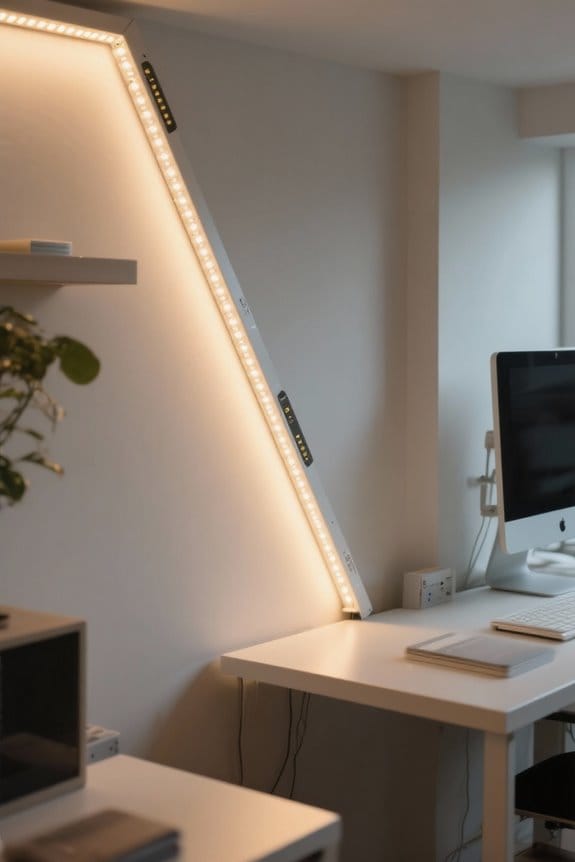
Creating customized lighting scenes enhances not only the functionality of smart lighting but also the overall ambiance of a home during various activities. Essential lighting scenes include a “Wakeup” scene, which gradually brightens lights while activating bedside lamps at 30% to ease into the day. For social gatherings, the “Party” scene should dim living room lights for comfort, illuminate kitchen counters, and pre-light bathrooms. A “Vacation” scene can simulate occupancy by scheduling lights to turn on and off at random intervals, improving security. The “Goodnight” scene allows a single command to turn off all lights while keeping dim lights in key areas. Ultimately, create a “Movie Night” scene that dims living room lights, creating a cozy atmosphere ideal for viewing. Many modern lighting systems offer motion sensor options that can automatically adjust these scenes based on detected activity, adding convenience and energy efficiency to your lighting setup.
Recommended Products

OUTDOOR TV DESIGNED FOR PATIOS & COVERED SPACES: This outdoor TV is built for outside use on patios, decks, and covered porches. Unlike indoor TVs, this outdoor television is weather-resistant and outdoor-rated, perfect as a patio TV.
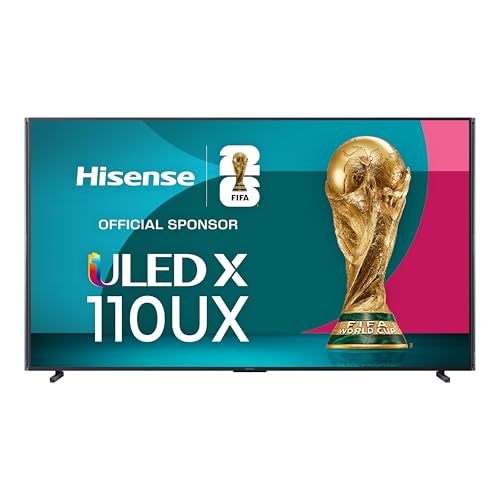
Mini-LED X - See your favorite show or movie in a whole new light. Mini-LED X is made up of thousands of LEDs, think of them like pinpoints that illuminate your screen. Plus, with over 40,000 local dimming zones, you can experience the whitest whites, the darkest darks, and everything in between.

OUR MOST ADVANCED 4K AI PROCESSOR: Powered by 128 neural networks to deliver AI-enhanced picture and optimized sound, resulting in an exceptional 4K experience for streaming, gaming, live sports and more.*
Programming Your Morning Wake-Up Scene
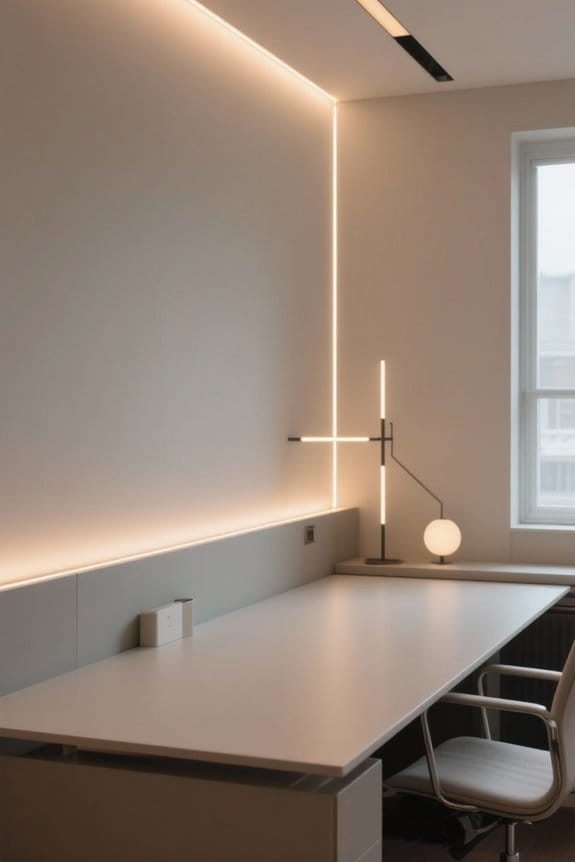
Establishing a Morning Wake-Up Scene involves programming LEDs to gradually increase brightness, emulating the natural sunrise. To create this effect, set LEDs to reach full brightness over 30 minutes, starting from a low level of around 10%. Consider integrating devices such as a coffee maker to begin brewing at your designated wake-up time. Utilize a mobile app, like the Brilliant app, to control your lighting effortlessly from bed. Additionally, curate an energizing playlist to stream through smart speakers, enhancing the atmosphere. Set timers or scheduling features in your smart home system to automate this scene daily, ensuring a consistent wake-up routine. With careful programming, this lighting can transform mornings into moments of calm and revitalization. The RGBIC technology allows you to create multiple color zones simultaneously, perfect for mimicking the varied hues of a natural sunrise.
Recommended Products
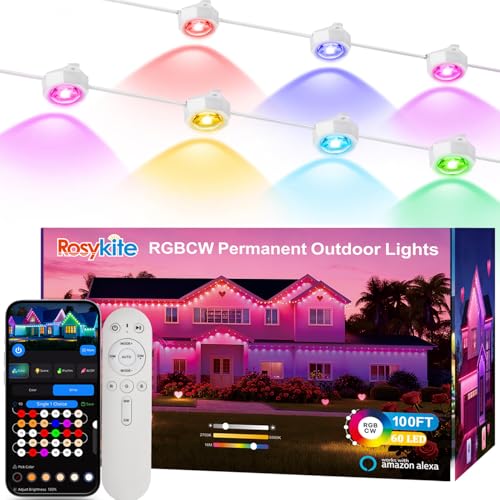
【Festive RGB Lighting】:Smart outdoor Permanent lights equipped with music sync ,63 preset scenes modes ,16 million colors .Tunable white from warm to cool for daily lighting .Celebrating Christmas party,holiday,Thanksgiving,Halloween,you can quickly set the permanent lighting strip via the Smart Life APP to match any outdoor occasion. all year round outside holiday house lights to eliminate the hassle out of hanging Christmas or holiday lights ever again.
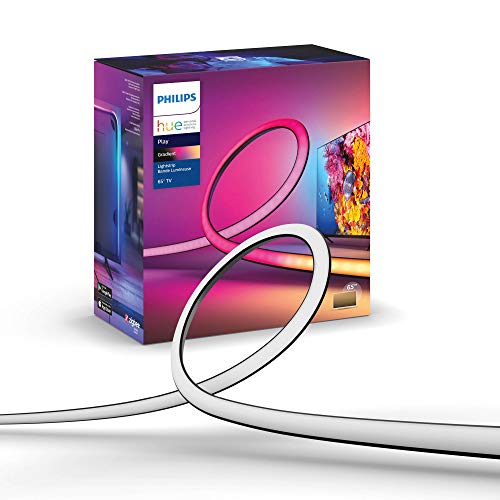
WHAT’S IN THE BOX: Includes one White and Color Ambiance 65" TV smart led light strip with mounting brackets designed for use on 65 inch TVs; Perfect for immersive gaming and TV watching experiences

Softer Material: Our new Neon Rope Light features a 14% more flexible, softer material than its predecessor, with a compact design and lighter weight for effortless Home decorating.
Creating the Perfect Movie Night Ambiance
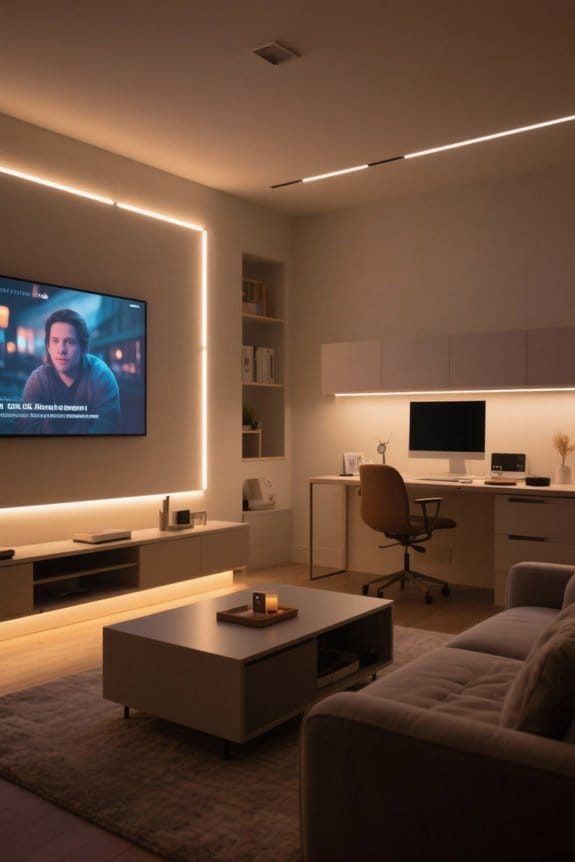
A fascinating movie night experience hinges on the right ambiance, meticulously crafted with proper lighting and sound. To create a scene effectively, first, dim your living room lights to about 30% brightness, while leaving kitchen lights at 50% to facilitate snack access. Smart lighting should be programmable; adjust color temperatures to warm or neutral tones for a cozy feel. Integrate a smart sound system like Sonos, setting the volume around 50% for immersive audio without distraction. Use your smart lighting app to automate the lighting scene activation with a single command as the film begins. This guarantees an effortless shift into your movie night, enhancing both engagement and comfort while enjoying the cinematic experience. Consider installing RGB light strips under your cabinets to add subtle accent lighting that can sync with your movie’s audio for an enhanced viewing atmosphere.
Recommended Products

Important notice: Please make sure to fill in the correct number before you complete the order, the LTL carrier needs to make an appointment with you before delivery.

Important notice: Please make sure to fill in the correct number before you complete the order, the LTL carrier needs to make an appointment with you before delivery.
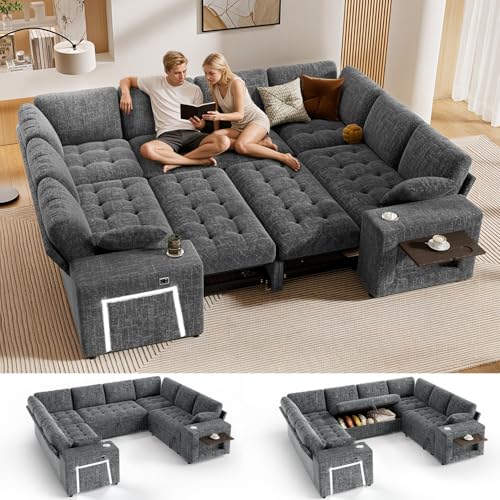
【Large Modular Sectional Sleeper Sofa】Transform your room with our versatile Modular Sectional Sleeper Sofa. By day, enjoy stylish seating or a cozy lounge; by night, effortlessly convert it into a spacious, comfortable bed—ideal for hosting guests and making the most of your space. The U-shaped design with a pull-out bed adds elegant charm to your living area and complements any home decor.
Enhancing Security With Smart Lighting Automations
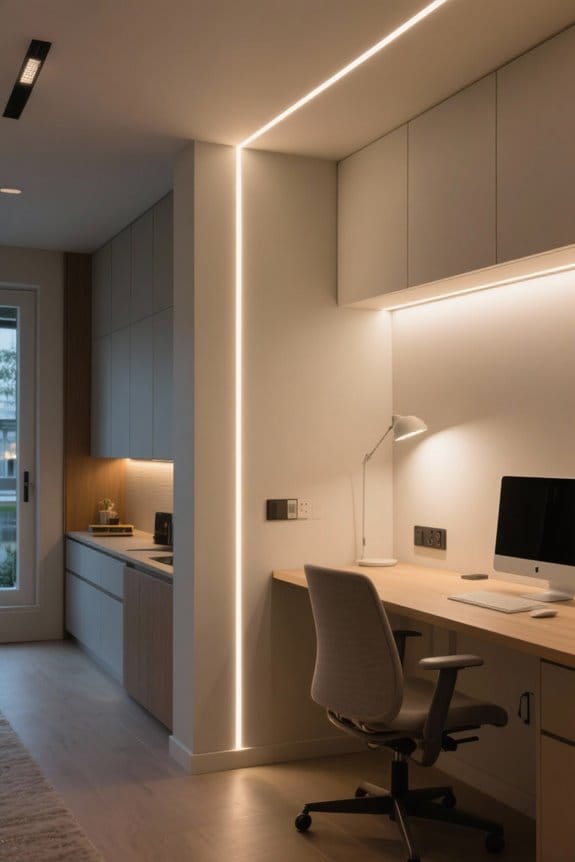
While securing a home often involves multiple layers of protection, integrating smart lighting automations serves as a vital component in enhancing overall security. Smart lighting can simulate occupancy by following programmed light patterns, effectively deterring burglars. Utilize motion sensors to automatically activate lights when movement is detected, illuminating pathways and entrances during potential threats. Programmable scenes, such as activating exterior lights at dusk, improve visibility and safety. The “Departure Lock All Scene” centralizes security efforts, turning off all lights and locking doors with a single command. Additionally, vacation settings can randomize light activation times, making it difficult for intruders to predict occupancy. Employ the Scene Machine wisely to guarantee robust home defense with smart lighting automations. Modern motion detection range extends up to 16 feet with 120-degree coverage, providing comprehensive surveillance for enhanced security.
Recommended Products

Voice Control with Alexa: Use voice commands or the Alexa app to control power, dimming, night mode and adjustable white light for the under cabinet lighting bars (no third party app required).

【Smart Motion Sensor - Lights Your Path Automatically】: Equipped with an advanced motion and light sensor, ModoLight automatically turns on when you approach within 3 meters. Enjoy hands-free, reliable illumination for hallways, stairs, closets, and nighttime navigation.

WHAT’S IN THE BOX: Includes two White and Color Ambiance smart LED light bar base kit with plug; perfect for immersive gaming and TV watching experiences
Customizing Your Home for Entertaining
Smart lighting plays a significant role in customizing a home for entertaining. Begin by adjusting kitchen and living room lights to 65% brightness, creating an inviting atmosphere. Utilize a Smart App to control these settings conveniently. Implement pre-programmed lighting scenes, like the “Entertaining Ambiance Scene,” for effortless mood adjustments with a single command. Consider incorporating colored LED lighting to match your party’s theme or seasonal decorations. Utilize dimmable smart LED fixtures to enhance comfort and guarantee functional lighting for safety. Quick access features via your smartphone allow for seamless, instant adjustments throughout the event. How can you personalize your lighting to elevate your guests’ experience? Embrace these techniques to foster an engaging and dynamic environment during gatherings. Modern LED color temperatures ranging from 3000K to 6000K provide versatile options for creating the perfect entertaining atmosphere.
Recommended Products

CASUAL COASTAL / MODERN FARMHOUSE: Boasting a sleek, pewter finish - the Prominence Home Reston ceiling fan elevates your adds a flair that is both inspired and current. Having a blade span of 42 inches, this modern ceiling fan is perfect for medium sized rooms such as bedrooms, dining rooms, dens, and much, much more!

✅ Adjustable Wattage & CCT:This 480v LED parking lot light features 3 power modes (360W/320W/240W) and 3 color temps (5000K/4000K/3000K). Select the desired color temperature and brightness to meet your various lighting needs before installation, please!

【Adjustable Power & CCT | 9-in-1 Fixture】This 480V LED Parking Lot Light lets you choose from 3 power settings (320W/48000LM, 256W/38400LM and 192W/28800LM) and 3 color temperatures (3000K, 4000K, 5000K). With up to 150 lm/W, one fixture covers parking lots, stadiums, and roadways.Customize brightness and light color to match your exact needs.
Overcoming Integration Challenges in Smart Scenes
Overcoming integration challenges in smart scenes is essential for a seamless user experience. Currently, users must manually integrate new devices using a SmartApp to create and adjust Smart scenes, as these systems fail to auto-update. Frustration often ensues due to the time-consuming process of configuring brightness and color settings individually for each light. Community feedback highlights a need for streamlined scene creation to enhance efficiency when modifying existing settings. Shifting to the new Integrated Development Environment (IDE) has further complicated this, as some functionalities are lost. Users of SmartThings face additional limitations since each routine’s settings require manual adjustments. To address these issues, investing in solutions that automate device states and combine routines may increase user satisfaction and effectiveness in smart lighting management. Modern LED strip lights offer extensive customization with up to 1000 lumens of brightness and millions of color options for creating dynamic scenes.
Tips for Collaborating With the Community on Smart Lighting
How can collaboration with the community enhance smart lighting experiences? Engaging actively in community forums, like GitHub, can greatly improve the development of effective lighting scenes. Sharing experiences helps foster collaborative troubleshooting, ensuring users can enhance their lighting setups efficiently. Harness community-generated SmartApps to access advanced customization features beyond standard applications. Participate in discussions, voicing suggestions about lighting scene functionalities, as user feedback influences app improvements. By exchanging unique implementations and challenges, individuals can inspire innovative solutions beneficial to the wider community. Stay informed about contributions and updates within the community—these insights are fundamental for ideal performance and adaptation of smart lighting. Collaboration is not merely beneficial; it is vital for advancing individual experiences and user satisfaction. Modern lighting solutions featuring 800-1300 lumens provide optimal brightness for most smart lighting applications.
Frequently Asked Questions
How Do I Turn My Lights Into Smart Lights?
To turn lights into smart lights, one should purchase smart bulbs. Installation tips include ensuring compatibility with existing fixtures, connecting to Wi-Fi, and using compatible controlling hubs for streamlined smart home operation.
What Is the Best App for Hue Scenes?
The best app for Hue scenes is the Philips Hue app, praised in user reviews for its versatility. With Hue Sync, users create immersive lighting experiences, enhancing moments like movie nights and relaxing evenings with dynamic atmospheres.
Can AI Do Lighting Design?
AI can indeed perform lighting design, utilizing advanced lighting algorithms to generate decorative lighting options. Its capabilities provide design inspiration by analyzing user preferences, allowing for personalized illumination that enhances ambiance and functionality within spaces.
How to Create a Hue Scene?
To create a Hue scene, users navigate to the app’s Routines section for scene customization, adjusting hue color, brightness, and temperature. Scenes can be saved, named, and set to activate automatically based on specific triggers.