As an Amazon Associate, we earn from qualifying purchases. Some links on this site are affiliate links at no extra cost to you. Our recommendations are based on thorough research and editorial judgment.


How to Fix Buzzing or Humming LED Lights

To fix buzzing or humming LED lights, first, check for loose connections. Tighten any screws to reduce vibrations. Evaluate your dimmer switch; use ones labeled CL or ELV for LED compatibility. Test the power supply for stability; output voltage should match LED specifications. Consider replacing low-quality drivers or upgrading to a higher-capacity supply. If buzzing persists, consult a professional electrician for complex issues. Understanding these elements will guide you further in resolving the problem effectively.
Key Takeaways
- Check and replace dimmer switches with those specifically designed for LED compatibility to minimize buzzing or humming sounds.
- Ensure all electrical connections are tight and secure to avoid vibrations that can contribute to noise.
- Inspect light fixtures for high-quality drivers; poor-quality drivers can cause electrical interference and buzzing.
- Measure the power supply output voltage with a multimeter to ensure it aligns with LED specifications for stable performance.
- Consult a professional electrician if the buzzing persists after checking components and connections, indicating potential hardware issues.
Understanding the Causes of LED Buzzing
You may be interested


Buzzing sounds from LED lights can be a frustrating issue for many homeowners. This noise often originates from incompatible dimmer switches, which may not effectively manage the electronic drivers used in LED technology. Voltage fluctuations in the power supply can also contribute to inconsistent current delivery, leading to buzzing. In addition, poor-quality LED drivers, essential for converting energy into a usable current, can produce electrical interference that manifests as noise. Improper installation, such as loose connections, may amplify this issue by generating vibrations and electrical disturbances within the fixture. Environmental conditions, including excessive heat or humidity, can adversely affect the performance of electronic components, causing additional unwanted buzzing. Proper diagnostics are essential for identifying the root cause and implementing solutions. Using aluminum LED channels can help reduce buzzing by providing better heat dissipation and protection for LED strips.
Assessing Your Light Fixtures
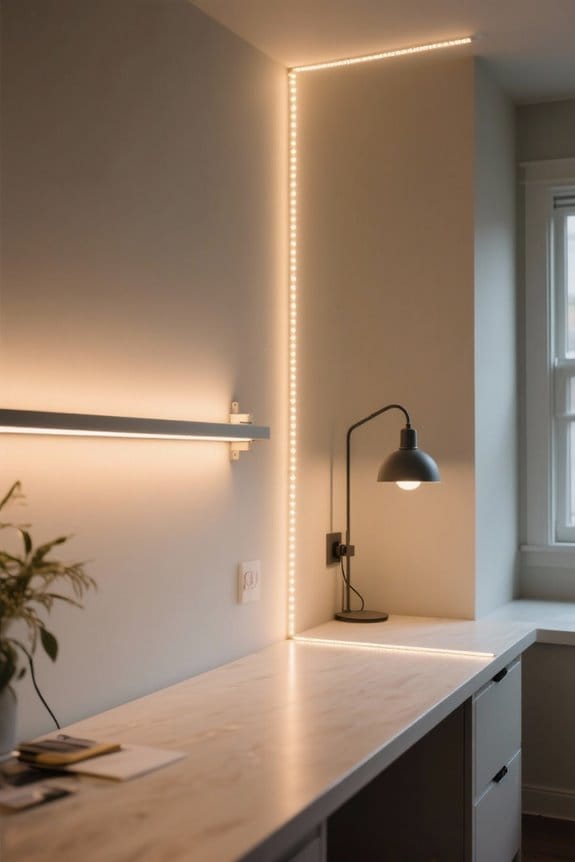
To effectively address buzzing issues in LED lights, homeowners should begin by thoroughly evaluating their light fixtures. First, check for loose connections; these can create vibrations that lead to buzzing or humming sounds. Next, verify that the light fixture contains a high quality driver, as inferior drivers may introduce electrical interference. Inspect the dimmer switch to guarantee compatibility with LED lights; using a traditional dimmer can cause inadequate current delivery, resulting in noise. Additionally, look for signs of overheating, which can affect electronic components and contribute to humming. Regular maintenance is also essential—tighten screws and check for corrosion to minimize noise and enhance performance, ultimately extending the life of your fixtures. Modern LED energy savings of 80-85% compared to incandescent bulbs make resolving these issues worthwhile for long-term efficiency.
Checking Dimmer Compatibility

When evaluating dimmer compatibility for LED lighting, it is crucial to select the right dimmer switch to guarantee peak performance and minimize noise. Traditional dimmer switches often cause a buzzing sound due to voltage issues. Verify that the dimmer is labeled for compatible LED use, such as CL or ELV models. Check the minimum load requirement; LEDs typically draw less power than incandescent bulbs. A load below the required threshold can lead to flickering or humming noises. If buzzing persists, bypass the dimmer by connecting the LED bulbs directly to the power source; if the buzzing ceases, the dimmer is likely faulty. Regularly update to modern dimmers designed for LEDs to confirm ideal dimmer compatibility and performance. Quality LED fixtures with high CRI ratings above 90 ensure optimal dimming performance while reducing the likelihood of electrical interference and buzzing.
Recommended Products

OLMO 36,000 BTU 230V Multi-Zone System with four 9,000 BTU wall-mounted indoor units. 22 SEER2 energy rating delivers superior efficiency and lower utility costs compared to traditional HVAC systems.

OLMO 36,000 BTU 230V Multi-Zone System with two 9,000 BTU and one 18,000 BTU wall-mounted indoor units. 22 SEER2 energy rating delivers superior efficiency and lower utility costs compared to traditional HVAC systems.

OLMO 27,000 BTU 230V Multi-Zone System with one 9,000 BTU and one 18,000 BTU wall-mounted indoor units. 23 SEER2 energy rating delivers superior efficiency and lower utility costs compared to traditional HVAC systems.
Troubleshooting Power Supply Issues

Evaluating power supply conditions is essential for identifying sources of buzzing in LED lights. Verify that the power supply is stable and meets the required specifications, as voltage fluctuations can lead to buzzing noise. Use a multimeter to measure the output voltage, ensuring it aligns with the LED’s specifications. Proper grounding is vital; confirm that all connections are secure to prevent vibrations that might cause buzzing sounds. If the power supply falls short of the LED strip’s wattage capacity, consider upgrading to a high-quality power supply. Additionally, operate the load below 80% of the driver’s wattage capacity to avoid overheating and voltage irregularities, both of which may contribute to unwanted humming or buzzing from the LED lights. Modern COB LED strips offer superior energy efficiency and brightness while minimizing power-related noise issues compared to traditional LED configurations.
Steps for Resolving Buzzing
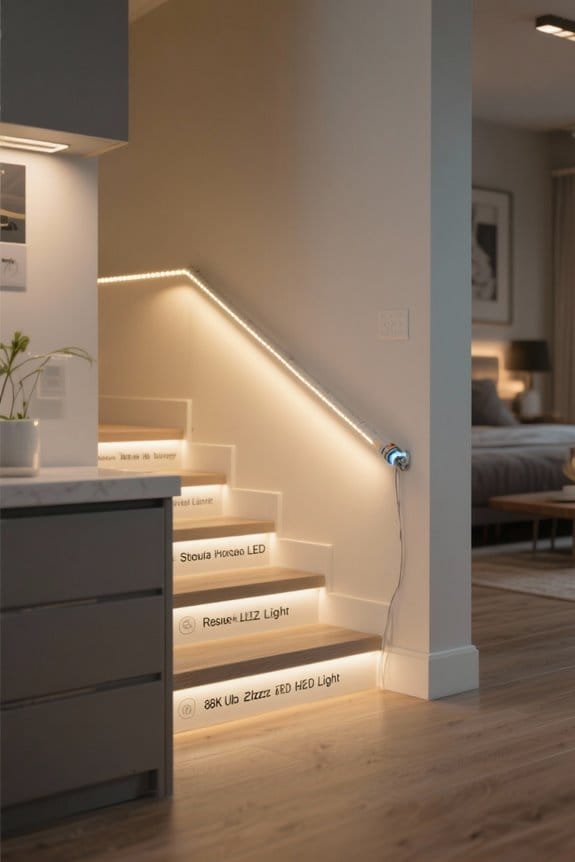
Addressing buzzing noises from LED lights requires a systematic approach to identify and eliminate the problem. First, determine if the buzzing originates from a single buzzing light fixture or multiple fixtures on the same circuit. Next, bypass the dimmer by directly connecting the LED bulb to the power source to see if the noise persists. If buzzing continues, replace the dimmer switch with one designed for LED compatibility, such as CL, LED+, or ELV dimmers. Additionally, tighten all electrical connections in the fixture and inspect for loose or faulty components in the LED driver. If these steps do not resolve the issue, consulting a professional electrician may be necessary to further diagnose and address potential faults with hardware or fixtures. Consider upgrading to modern motion sensor lights which often incorporate advanced LED technology designed to minimize electrical interference and buzzing.
Recommended Products
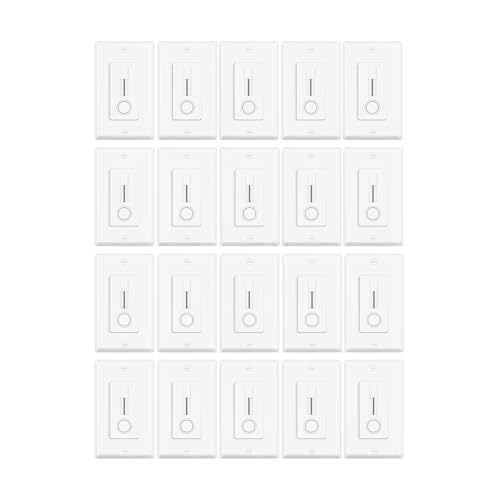
✅【2 in 1 LED Driver and Dimmer Switch】:By integrating the LED driver and dimmer into a single unit,streamline installation and ensure perfect compatibility. 120v to 24v transformer dimmer switch.This innovative 24v dimmable led driver design connects directly to LED strips for worry-free dimming and fits conveniently within a standard electrical box
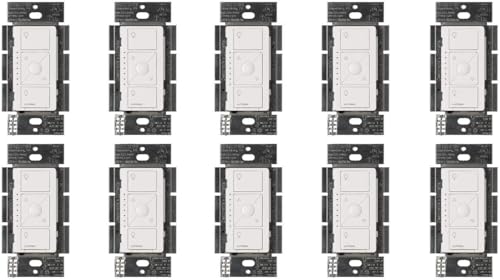
EASY INSTALL: Easily replaces your existing switch in as little as 15 minutes; NEUTRAL WIRE REQUIRED

MOST CONNECTED: Caseta connects with more leading smart home devices - including Alexa, Apple Home, Google Assistant, Sonos, Ring, Serena shades and more - than any other smart dimmer light switch brand (Lutron Smart Hub, L-BDG2-WH, required)
When to Consult an Electrician
Buzzing noises from LED lights may indicate deeper electrical issues, particularly when these sounds originate from inside walls. If buzzing persists across multiple lights on the same circuit, it is vital to call an electrician. This may prevent potential safety hazards. Moreover, flickering lights coupled with humming signals possible wiring issues. Such problems should not be tackled without professional assistance to guarantee safety. Additionally, if any crackling or popping noises come from switches or outlets, an electrician must be consulted immediately, as these can point to dangerous electrical faults. Persistent buzzing in LED lighting, despite using compatible dimmers, may indicate driver malfunctions, necessitating a professional evaluation to address these underlying concerns effectively. Switching to energy efficient LEDs can reduce power consumption by up to 70% compared to traditional lighting, but proper installation remains crucial for optimal performance and safety.
Recommended Products

High-Efficiency Illumination: Engineered with long-life LEDs and a high-efficacy driver to deliver up to 7,500 lumens at 150 lm/W. This energy-saving design reduces power consumption by up to 56% compared to traditional fluorescent fixtures while offering a service life of over 50,000 hours.
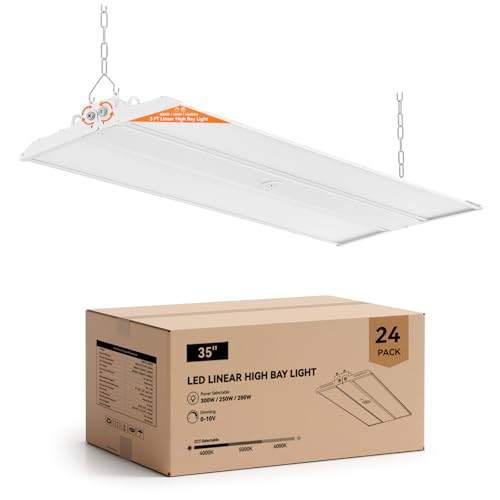
Ultra Bright: This adjustable linear LED high bay light delivers up to 45000 lumens at 150 lm/W with selectable 300W / 250W / 200W power levels and 4000K, 5000K, 6000K color temperatures, providing powerful illumination for warehouses and workshops

【 Smooth Dimming and High Energy Efficiency 】2x4 Led Flat Panel Light compatible 0-10V universal dimmers for 0%-100% seamless brightness adjustment.Powered by high efficiency LED chips and drivers,delivers 133lm/W output with 9576LM brightness will save you 85% percent of power consumption and save electricity bills.
Frequently Asked Questions
Recommended Products

【Super Bright】LED linear high bay light adopts high efficiency LED chip, the luminous efficacy is up to 150LM/W. Using only 300W power can emit 45000 lumens of high quality lights , with a daylight color temperature of 5000K.

⭐ IP66 WATERPROOF & DUSTPROOF — COMMERCIAL GRADE DURABILITY Built for the harshest environments with IP66-rated waterproof and dustproof construction. Durable polycarbonate housing reinforced with stainless steel hardware stands up to moisture, dust, and debris in car washes, parking garages, barns, warehouses, food processing facilities, walk-in coolers, carports, gas stations, and wet outdoor applications.

Premium Clear Glass: Features hand-polished crystal-clear glass panels/bubbles (no smoke tint), offering 95%+ light transparency for brighter, distortion-free illumination with the room decoration to create an elegant and luxurious atmosphere.The drum chandelier for living room,dining room.
Why Is My LED Light Making a Humming Sound?
The humming sound from LED lights often results from electromagnetic interference due to incompatible dimmer switches, voltage fluctuations, driver issues, or faulty connections, highlighting the importance of proper installation and quality components for ideal performance.
How to Stop Noise From LED Lights?
To stop noise from LED lights, consider LED light solutions addressing dimming compatibility issues, electromagnetic interference, and power supply effects. Implement noise reduction tips, focusing on wiring problems and fixture quality concerns for best performance.
How to Stop Lights From Buzzing?
To stop lights from buzzing, guarantee LED dimmer compatibility, rectify any faulty wiring, tighten loose connections, address transformer issues, replace inadequate fixtures, and consider soundproofing solutions to minimize electrical interference and unwanted noise.
Is It Bad if My Light Is Buzzing?
Buzzing in lights may indicate installation errors or dimmer switch problems, raising concerns about LED light safety and fixture compatibility. While often harmless, persistent buzzing can signal electrical issues or potential fire hazards, necessitating inspection.